


COMING SOON
Windows disks, on your Mac.Read and write.
Plug in a disk formatted by Windows and use it like any other: copy, edit, rename, delete. MT2Win uses macOS's file system framework (FSKit) and an NTFS engine written from scratch.
We're finishing the tests with real disks and with Windows · macOS 27 or later · NTFS disks (Windows 10 and 11)
01
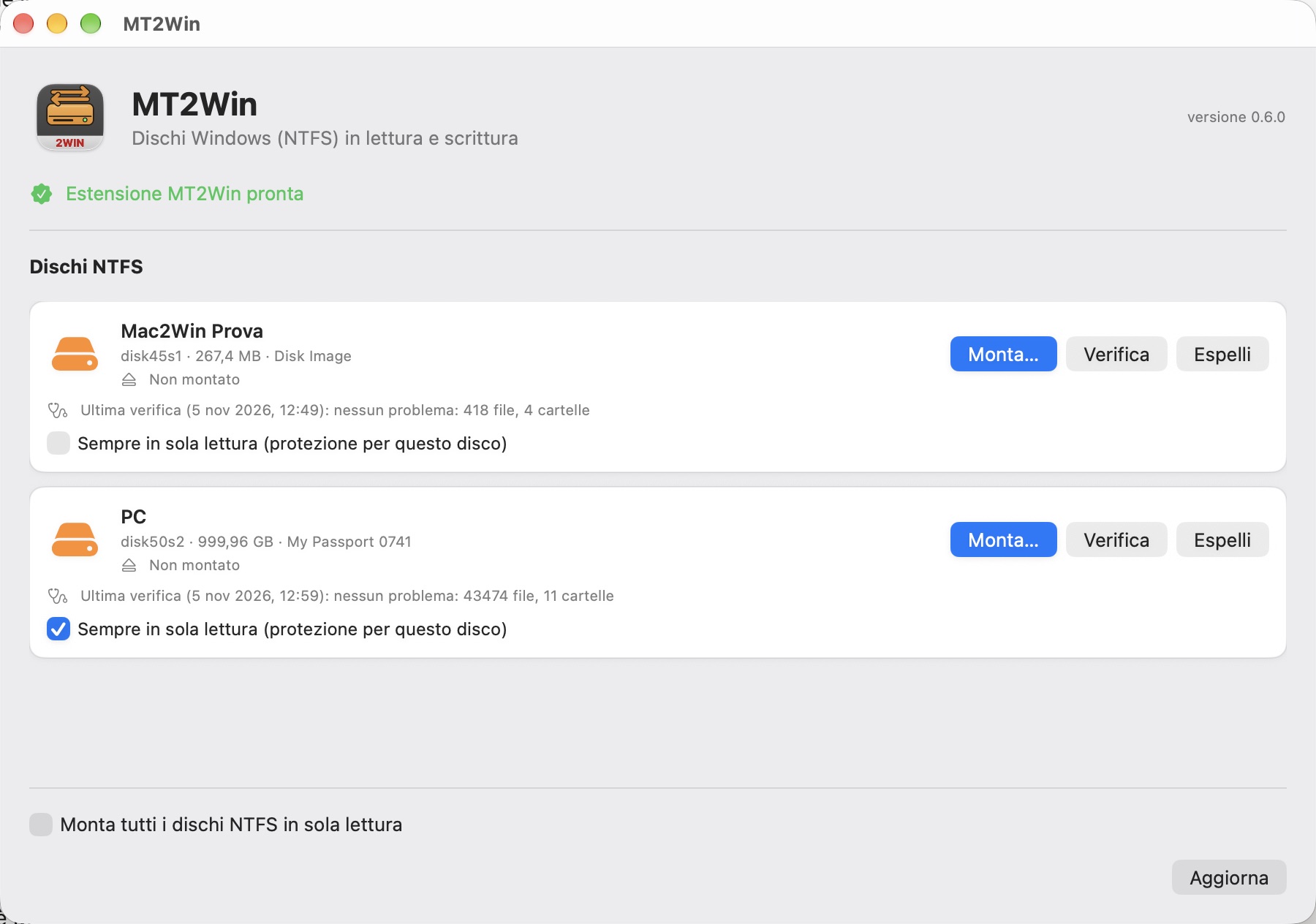
All your NTFS disks in one window
The state of each disk, who is mounting it, the last check and read-only protection for the disks you don't want to risk. Mount, reveal, unmount and eject from here or from the menu bar.
Built not to take risks
- Read and write through macOS's FSKit extension
- Per-disk protection: always read-only until you remove it
- Full check of the NTFS structure, without changing anything
- Disks left «dirty» by Windows: mounted read-only, with instructions
- Checked with Windows chkdsk after every write in our tests
- Engine written from scratch, Apple frameworks only