


 Soon
Basic
- Focus, verified.
- Distance to the subject, estimated.
- …and much more.
Price coming soon



Pick your best shots, fast.On your Mac, with nothing to import.
Open a folder or an SD card and scroll through hundreds of RAW files in seconds: instant previews, shooting data and the camera's focus point. For sports, weddings, nature, portraits, travel.
What you download is a beta: it is updated constantly and may change from one version to the next.
Build 99 · DMG for Mac · macOS 14 or later · Apple silicon and Intel · Your photos stay on your Mac

The Free version is yours today: open, view and check your photos without waiting for an import.
Open a folder or an SD card and instantly see previews and shooting data: camera, lens, focal length, aperture, shutter speed, ISO. It reads RAW files from all major cameras.

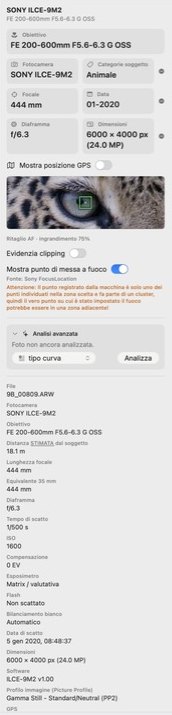
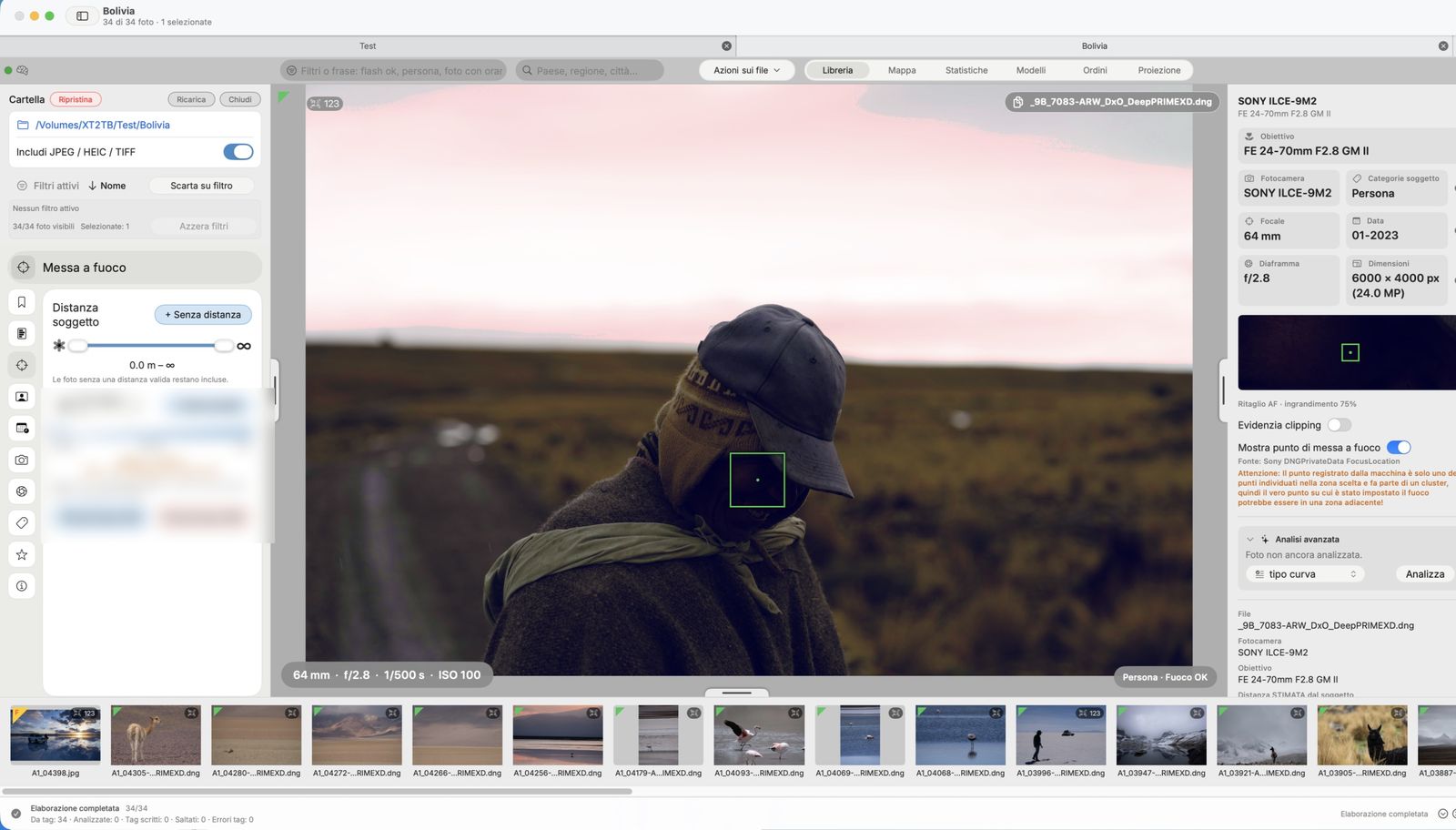
MTPick reads the focus point recorded by the camera, draws it on the photo and, from Basic, shows you a close-up of that area.
For DNG files that have already been developed, switch between Original and Edited: see the photo as shot, or with crop, exposure and contrast applied.
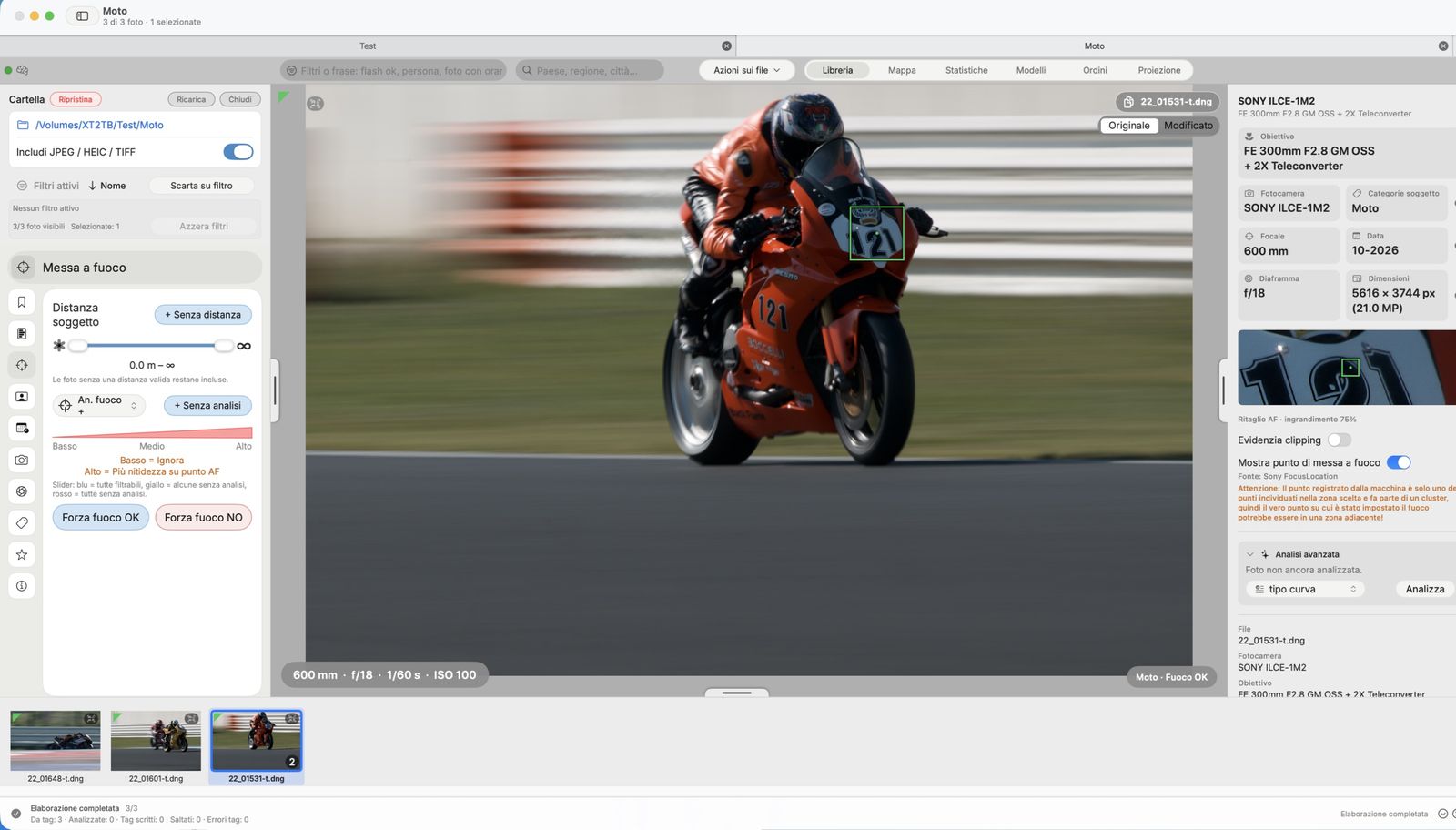
 from Basic
Press the space bar on a RAW file in Finder: large preview, shooting data and focus point (Basic), without even opening the app.

Combine filters: camera, ISO, focal length, shutter speed, aperture. Here only photos from the SONY ILCE-1 up to ISO 400, between 280 and 600 mm, at 1/1250 s or faster and up to f/4. Then one click takes you to the focus point.
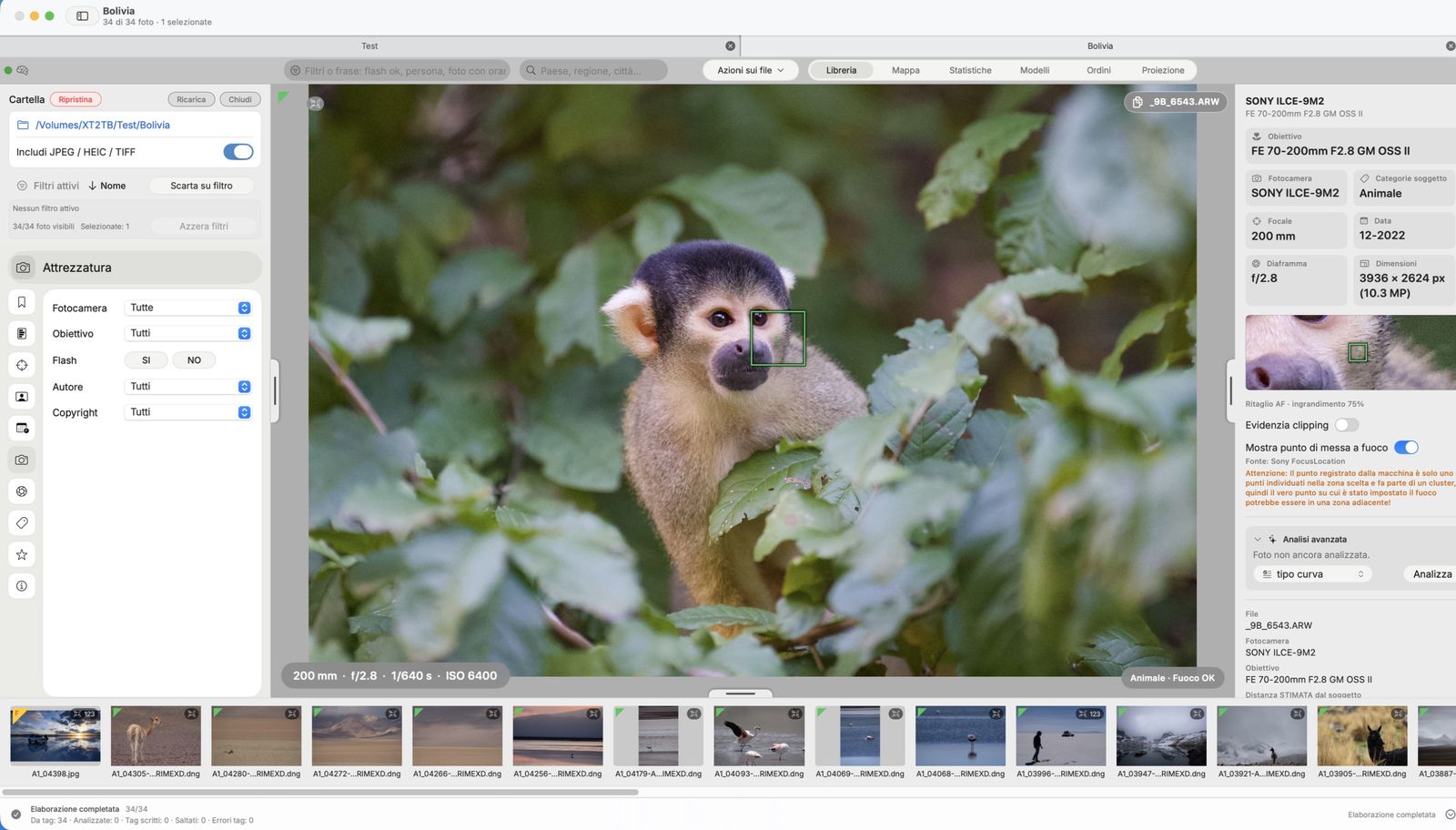
Every photo with a GPS position appears on the map: hover over a pin and you instantly see the thumbnail and shooting data. The country, region, province and city of every photo are immediately available for Finder searches too (scroll to 09).
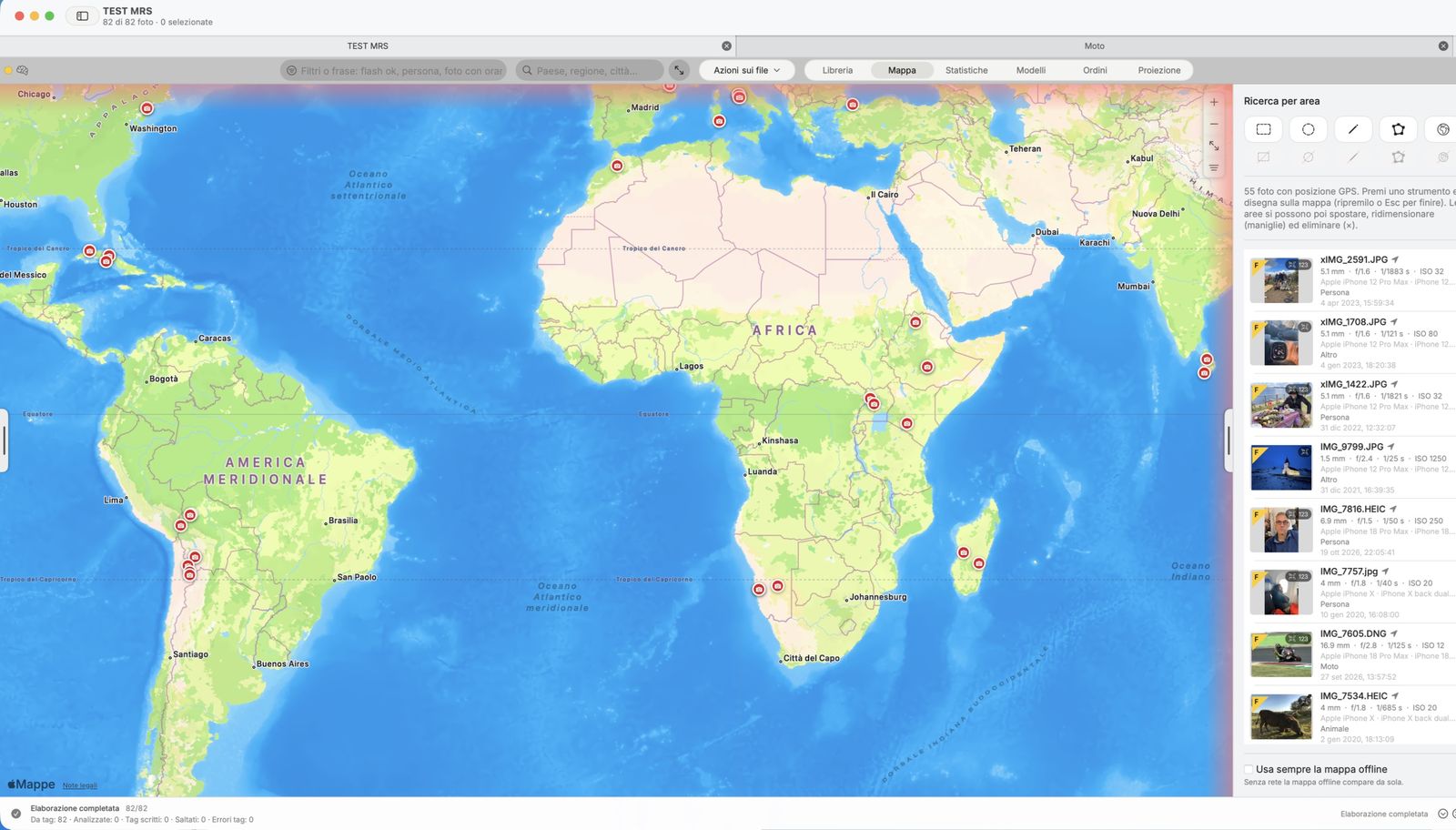
For every photo the app shows the estimated distance to the subject. Move the slider and keep only the shots taken within the distance you want: here, up to 3 metres.
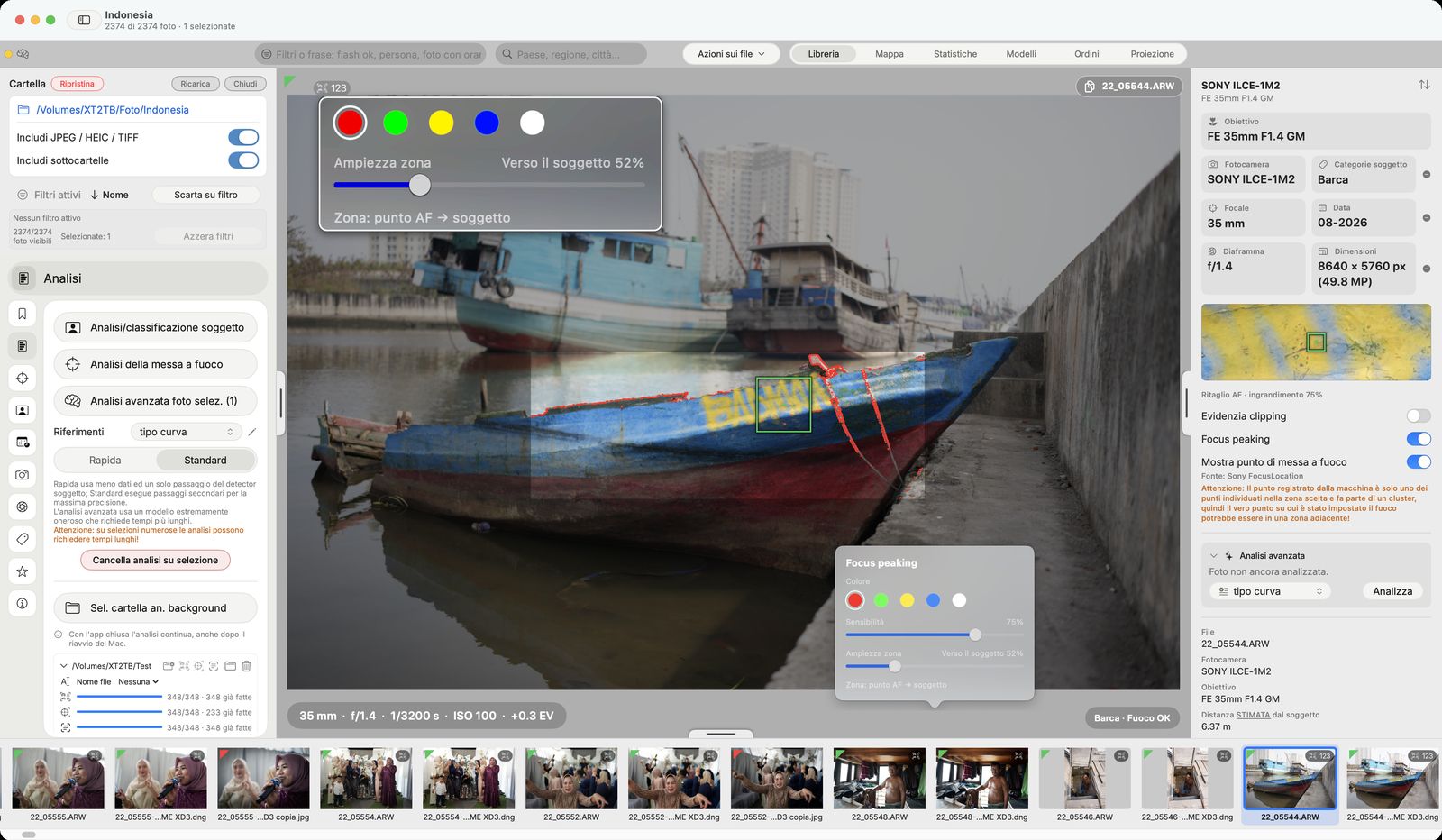
Focus peaking colours the sharp details, but only where it matters: around the focus point recorded by the camera. Widen the zone and it grows towards the recognised subject (from the head to the body, from the bow to the whole boat) instead of spilling onto the background. If there is no focus point, the zone starts from the subject.
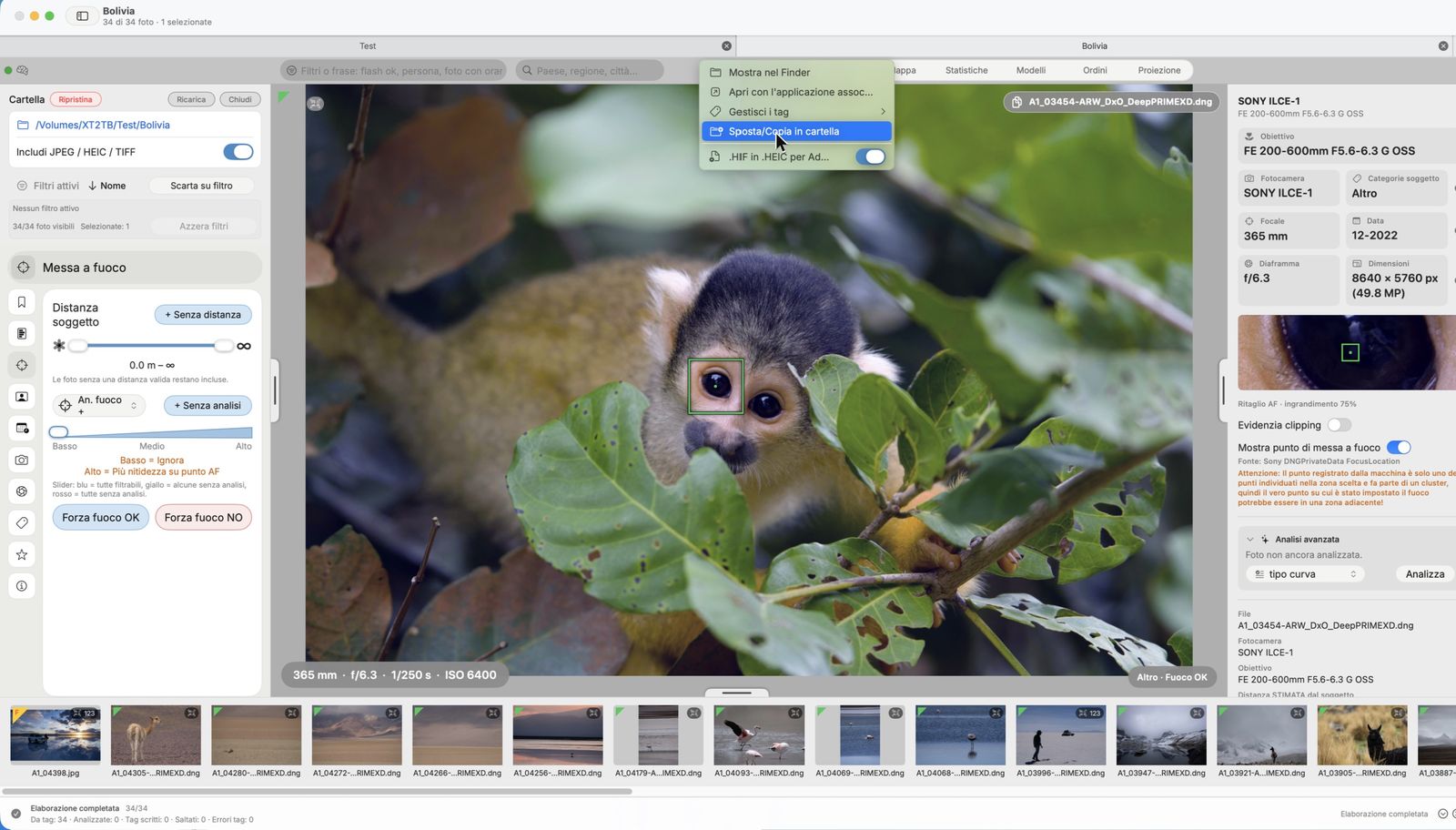
Pick the photos (selected ones or the filter results), Copy or Move, and the destination folder. If the folder already exists, MTPick asks whether to add or overwrite, and until you confirm, a flashing red box reminds you what is about to happen. Every copy is verified: if anything goes wrong, the originals stay where they are.
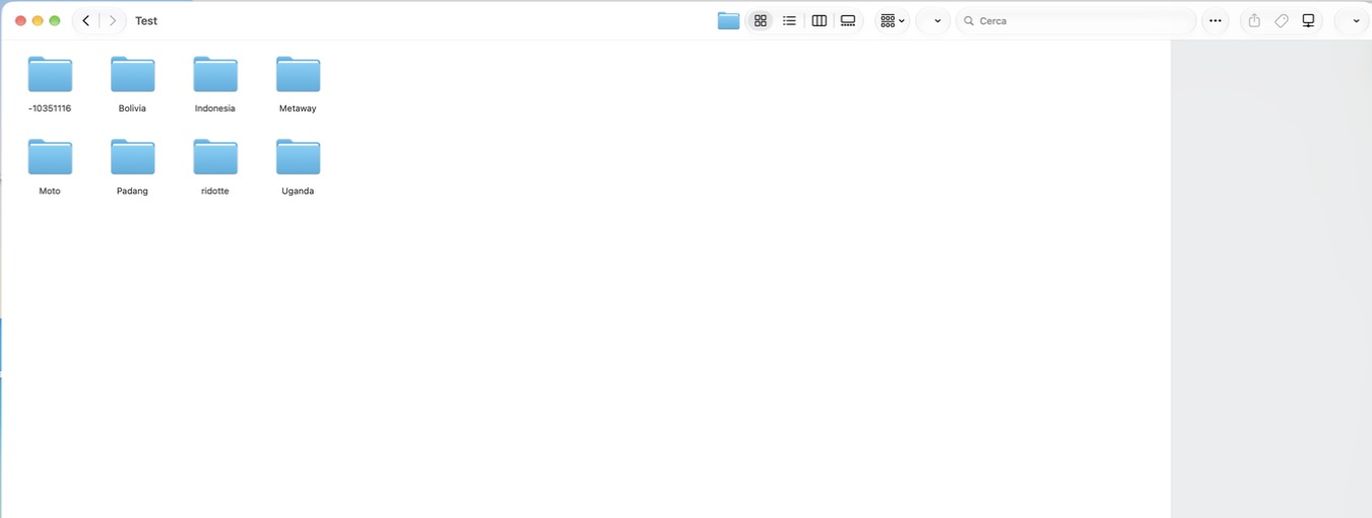
MTPick shares search parameters with Finder, such as: subject, focus status, camera, lens, place and shooting data. Search for «MTP (Class) = Animale» in Finder or Spotlight and your photos are there, without even opening the app. Your RAW files are never touched. All the information travels with the file, not in a database on your computer: it will be available on another computer too!
MTPick comes with a complete built-in guide: open it from the Help menu, search for a word and go straight to the topic. Every feature is explained step by step, with Free, Basic, Pro and Max labels showing which version includes it.
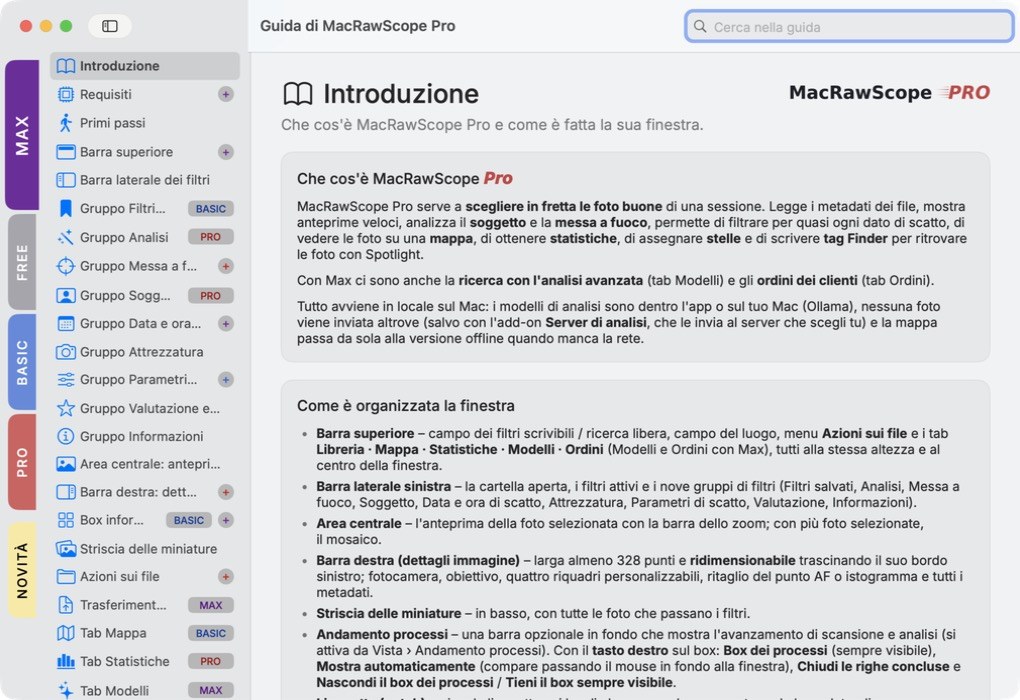
Note: screenshots may show buttons and features that are not available in some versions and/or look slightly different, because the app is in development and subject to change.
Three paid versions: for culling, for working and for working with clients. Prices have not been set yet.
Soon Soon
 Soon
Tell us which version you're interested in: when the paid versions come out, you'll get a reserved discount.
It's the trial version of MTPick. It is updated constantly: some features may change, improve or move from one version to another.
No. MTPick works on your Mac and never changes the content of your RAW files.
Prices have not been set yet. Everyone who reserves will get a reserved discount, with no obligation to buy.
macOS 14 Sonoma or later, on both Apple silicon and Intel; it works best on Macs with Apple silicon.
Build 99 · DMG for Mac